Notifications
Notifications keeps important Revlis activity in one place. Open the notification bell to review updates for the Active Brand.
Switching brands changes the notification list. Each brand has its own activity history.
What appears in Notifications
Notifications can include:
- New outliers found on the creators you track.
- Background imports or processing that finished or needs attention.
- Activity connected to a script, deliverable, account, or other Revlis page.
- Updates about feedback you submitted.
- Direct messages and product notices from Revlis.
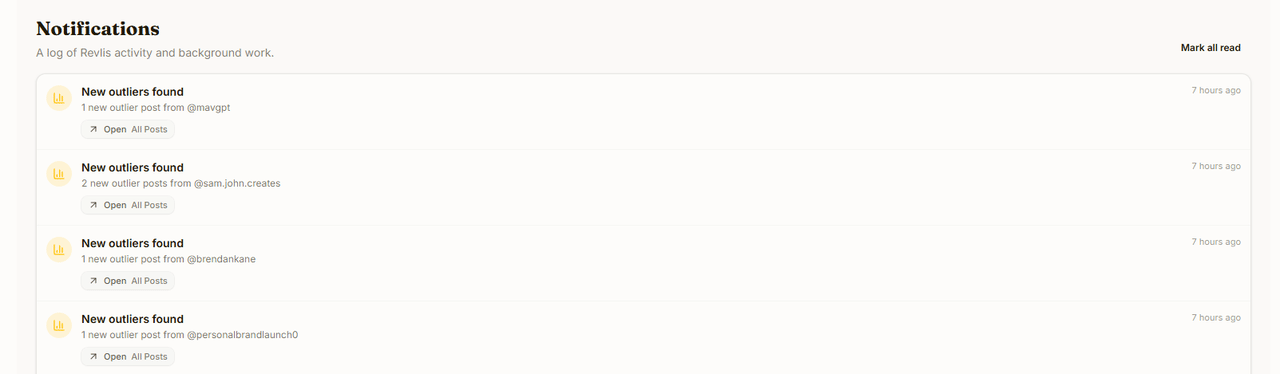
Each entry shows what happened, how long ago, and an Open button pointing at the page to act on, such as All Posts for a new outlier. Not every notification has a destination.
Read status
The notification bell shows the current unread count. Opening the Notifications page marks the notifications it displays as read.
Click Mark all read to clear the remaining unread state for the Active Brand.
Older notifications
The page loads the newest notifications first. Click Load older notifications at the bottom of the list to review earlier activity.
If no brand is active, select a brand before opening its notification history.