Offerings
Offerings keeps the things your brand sells or promotes in one place. Add products, services, courses, lead magnets, subscriptions, or other offers, then use them in the Laboratory when you want content with a clear promotional angle.
Everything in Offerings is scoped to the Active Brand.
Offering details
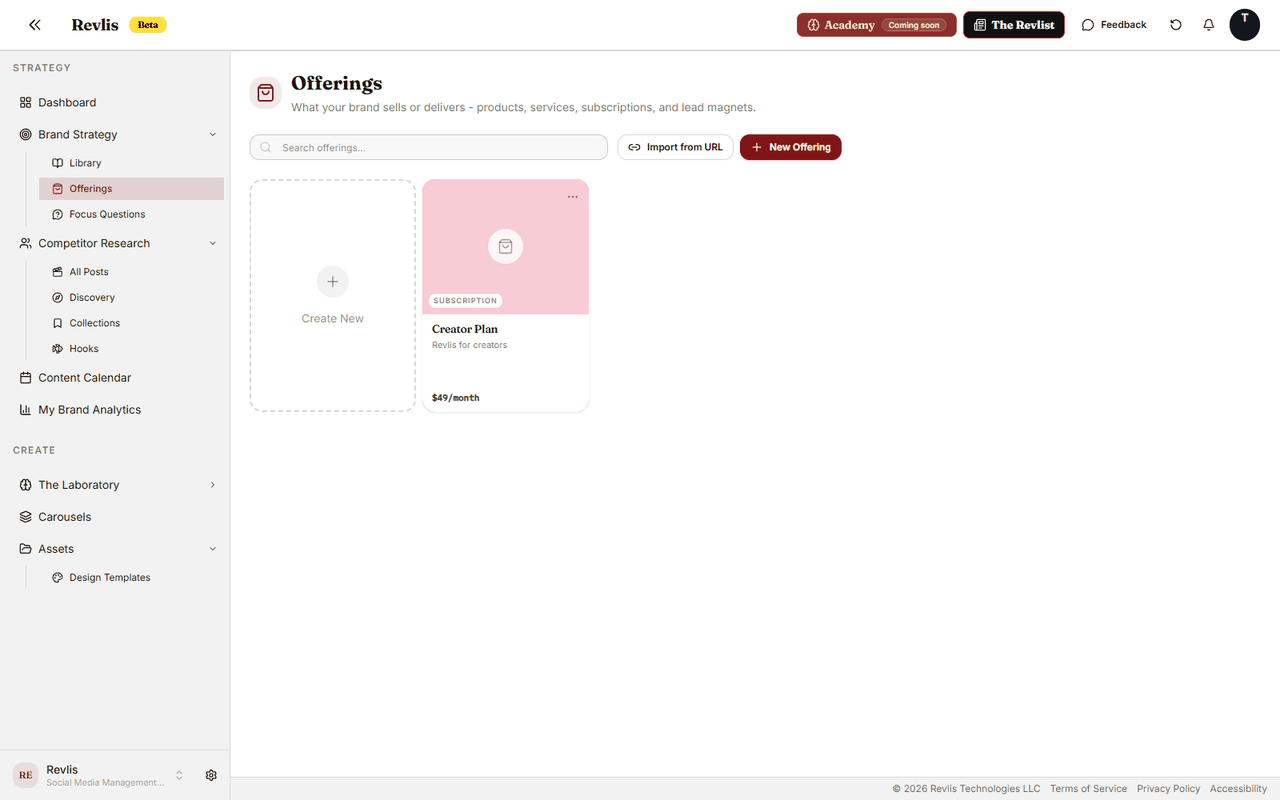
Each offering card can contain:
- Name: the name of the product, service, subscription, or resource.
- Description: what it is, who it is for, and how it is delivered.
- Kind: the type of offering: Physical product, Digital product, Service, Subscription, Info product, or Lead magnet.
- Tagline: a short punchy line used in promotional content.
- Price: the displayed price and pricing type.
- URL: a buy, booking, or landing page URL.
- Features & Benefits: selling points you can choose from when generating content.
- Assets: linked photos, videos, files, or link previews from the Active Brand's asset library.
- Status: Active or Retired.
Creating offerings
Click New Offering to add an offering manually. Fill in what you know and save. You can come back later to add sales context, objections, alternatives, or assets.
Importing from a URL
Use Import from URL when the offering already exists on a website. Paste a homepage, pricing page, product page, service page, or landing page. Revlis reads the page and suggests offering details for you to review.
You choose which offerings to add and can edit the name, description, and price before saving.
Point the import at the page that explains the specific offering rather than a broad company homepage. Review the result before saving so Revlis uses the right selling points later.
Buyer objections
Objections capture the concerns a buyer might say out loud. Store them once on the offering so the Laboratory can address the right concern in future scripts.
Objections are grouped into eight categories:
| Category | Example concern |
|---|---|
| Pain | "I do not have time for another project." |
| Doubt | "I am not sure this will work for me." |
| Cost | "I need to compare the price first." |
| Desire / Goal | "I want to know what result I can expect." |
| Money | "I cannot justify spending this much right now." |
| Support | "I am not sure I will get enough help." |
| Trust | "I need proof this works." |
| Solution | "I already have another way to handle this." |
Write each objection as the buyer would actually say it. You can associate an objection with one or more saved audiences when it applies to a specific segment. Leave the audience link empty when the objection is broad.
Drag objections within a category to reorder them. The first objection is treated as that category's primary objection.
Generating objections
Click Generate objections to ask Revlis for one suggested objection in each category.
Review the suggestions before adding them. You can edit, remove, or deselect individual suggestions, then click Add objections to keep the ones you selected, or Discard to drop them all.
Suggestions stay part of the offering draft until you save the offering.
Alternatives
Alternatives are the other options a buyer weighs against the offering: a competitor, doing the work manually, or delaying the decision. Each alternative holds:
- Name: the competing product, service, or approach.
- Why they choose it: what makes it appealing to the buyer.
- Where it falls short: the gap your offering closes.
The Laboratory treats alternatives as ordinary sales context. They help Revlis explain why the offering fits without turning every script into an attack on another product.
Managing offerings
Drag offerings to reorder them. Click any card to edit it. Delete an offering from its three-dot menu.
Set an offering's status to Retired when you no longer promote it. Retired offerings stay visible in Offerings with a Retired label, so historical scripts that referenced them still make sense in context.
Brand Strategy shows offerings as compact strategy cards, each with its number of saved objections.
Using offerings in generation
Add an Offering card to the Laboratory canvas when the content should promote or explain that offer.
Open the card's Features & Benefits picker to choose which selling points to include for that script. Use Objection focus to control which buyer concern Revlis addresses:
| Focus | What Revlis includes |
|---|---|
| Auto | The primary objection from every populated category. |
| Category | The primary objection from the selected category. |
| Specific objection | The exact objection you selected. |
Choosing a category or a specific objection overrides Auto for that card. Revlis captures the selected sales context at generation time, so each script version keeps the direction used to create it.