Focus Questions
Focus Questions keeps audience questions and search queries for the Active Brand. Use it to collect what people are asking, then bring those questions into the Laboratory so scripts answer topics your audience already cares about.
Everything in Focus Questions is scoped to the Active Brand.
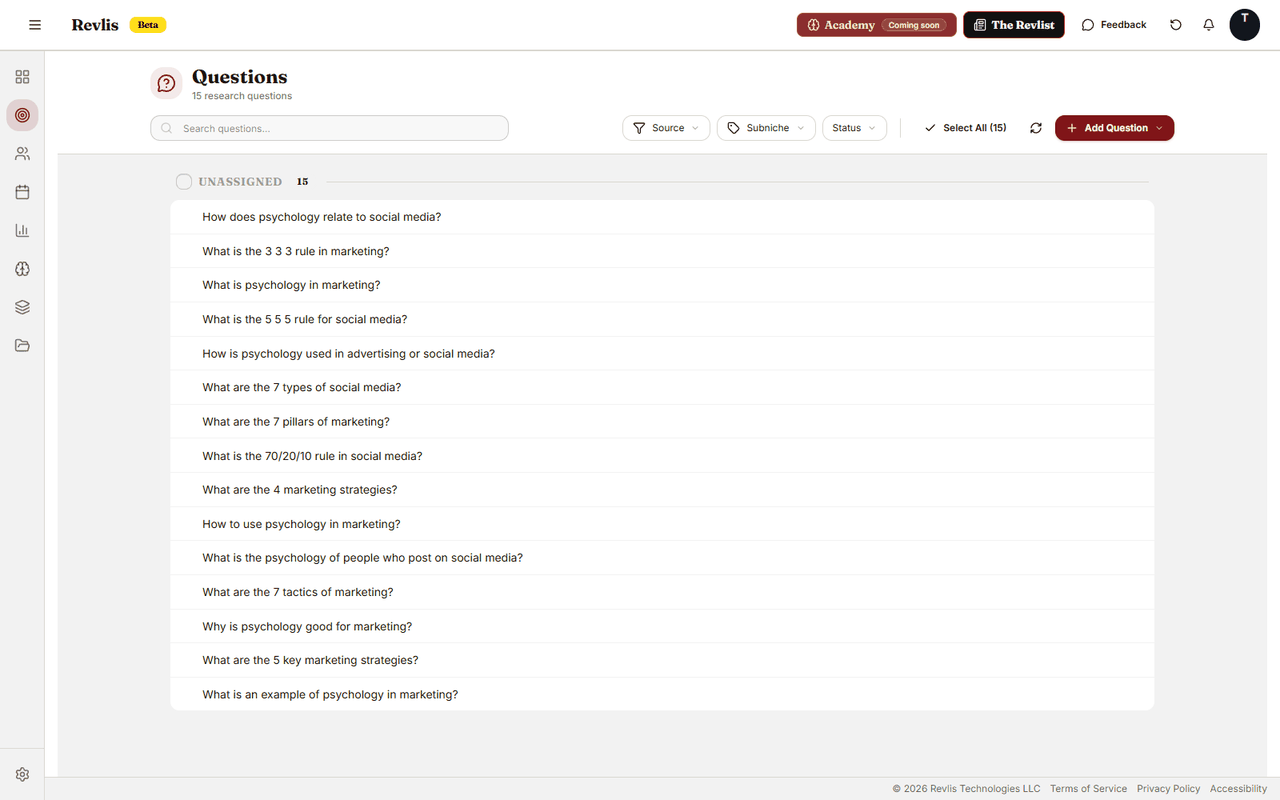
What a question is
Each entry is one question or search phrase. You can also save:
- Source - where the question came from: Google, TikTok, Instagram, Answer The Public, or Other.
- Subniche - which of your brand's subniches this question belongs to (optional).
- Notes - extra context you want to keep with it.
- Status - Active or Used. Mark a question as Used once you've generated content around it.
Adding questions
Add questions one at a time or in bulk. For bulk import, enter one question per line and Revlis creates one entry for each non-empty line.
When adding a single question, you can assign a source, subniche, and notes. When importing in bulk, assign one source and one subniche to the whole batch.
Bulk import is best when you already have a list from search research, comments, or customer conversations. Paste one question per line and organize the batch afterward.
Browsing
Questions are grouped by subniche. Filter by source or subniche, or search by text when you need a specific question.
Using questions in generation
When you add a Focus Questions card to the Laboratory canvas, choose the questions you want the script to answer. Revlis uses those questions as focal points for the generated script.